








Item details
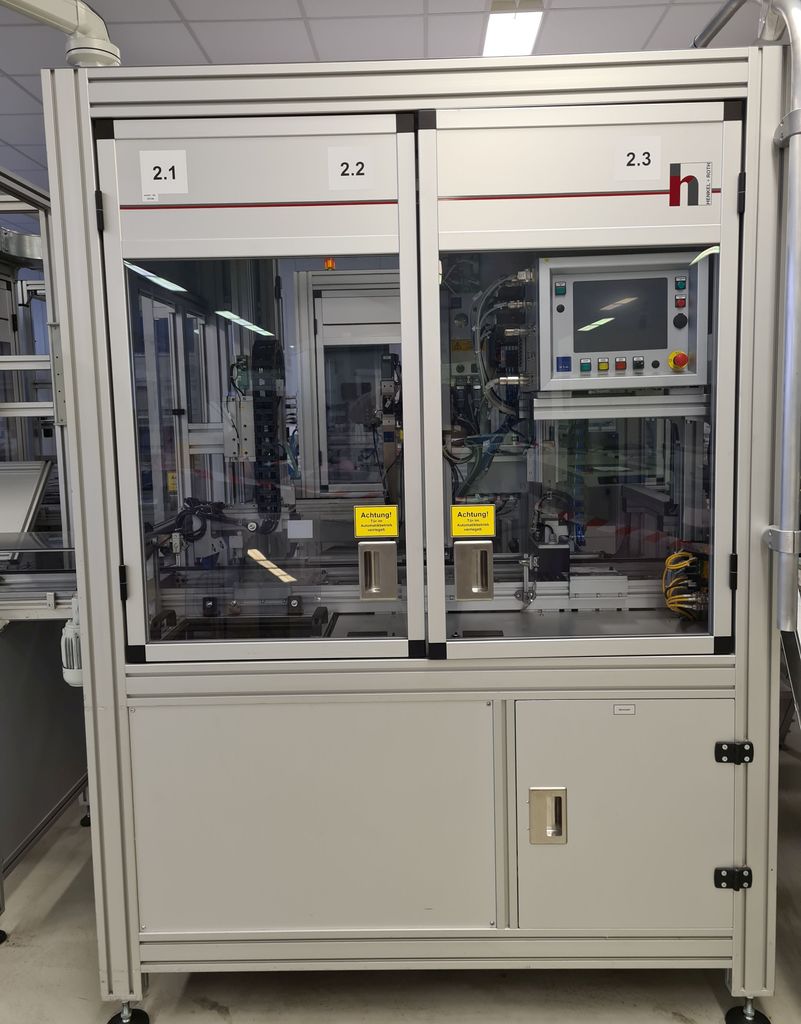
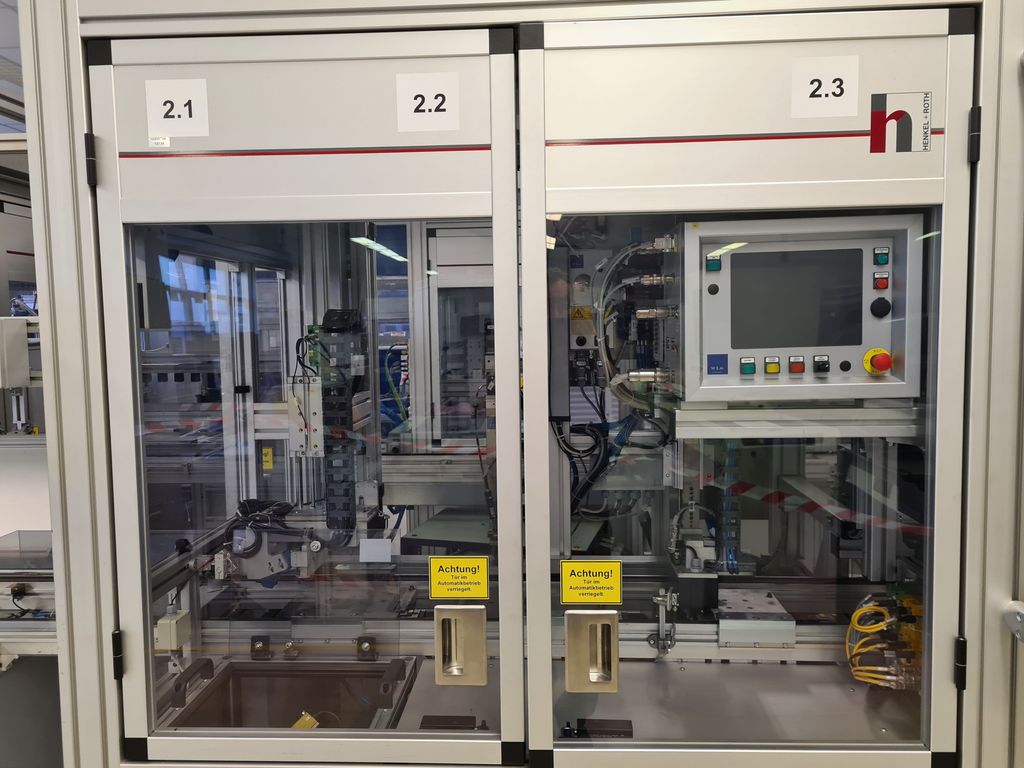
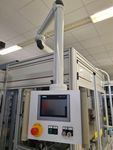
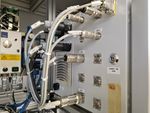
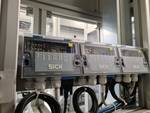
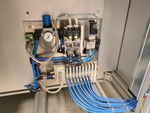
WSM Stationary Screwing Unit Screwing Station
Assembly of parts for car radios and navigation systems as well as testing of the same.
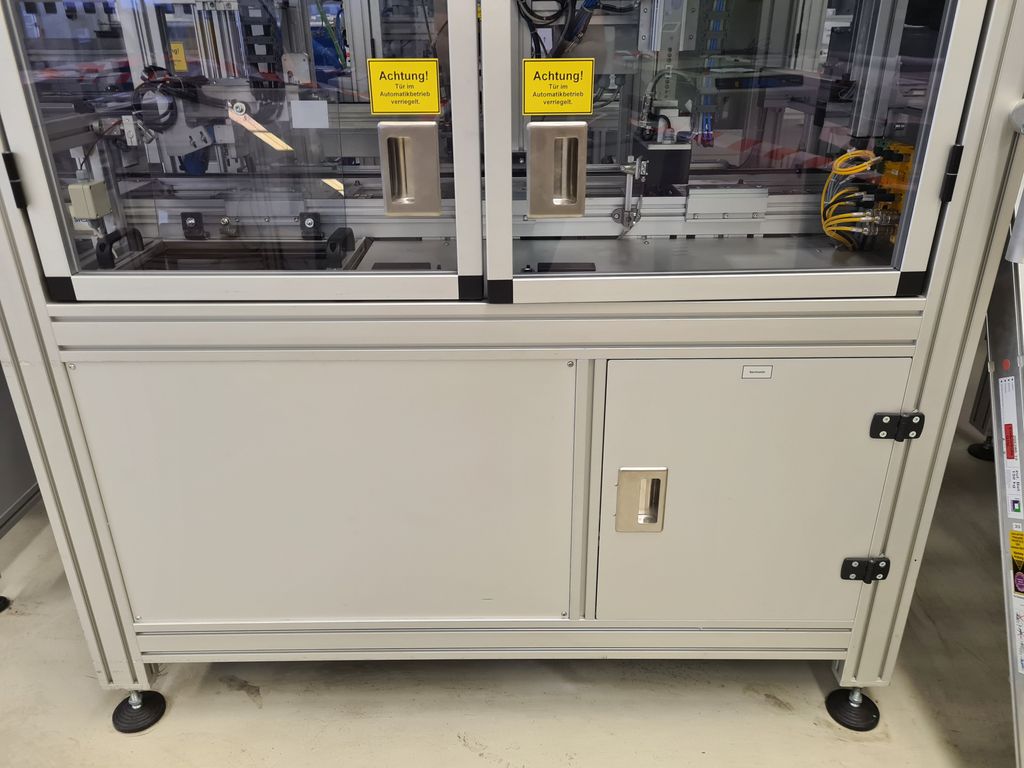
The assembly station is surrounded by a protective enclosure.
The service doors are equipped with monitoring switches with locking (locking).
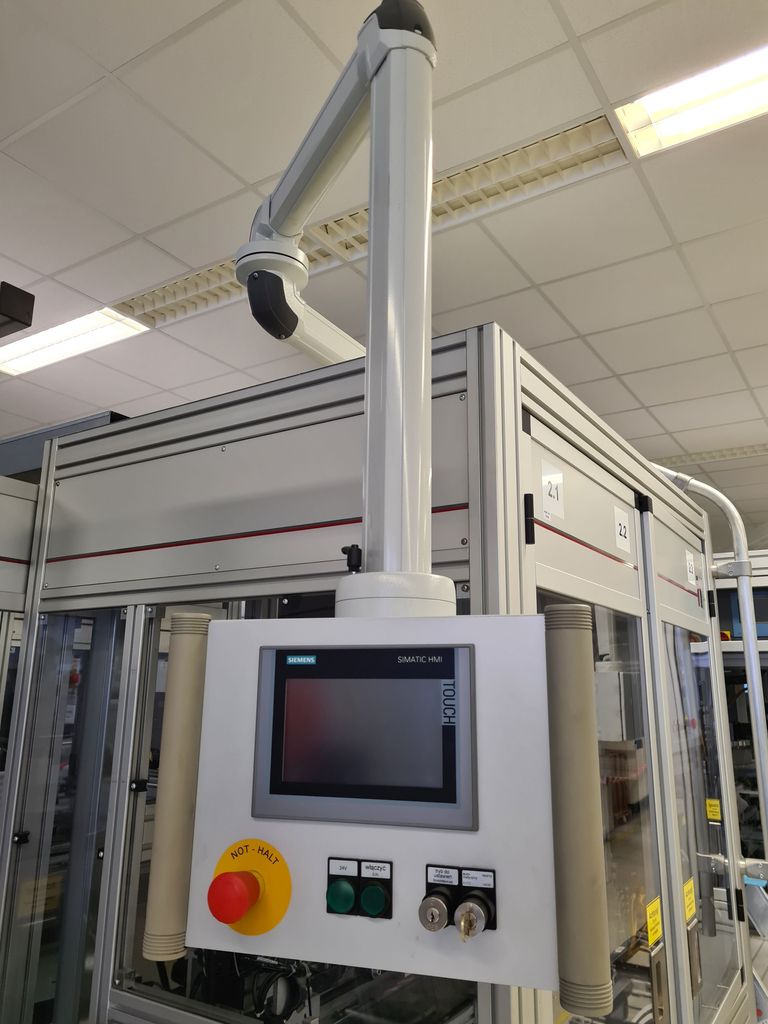
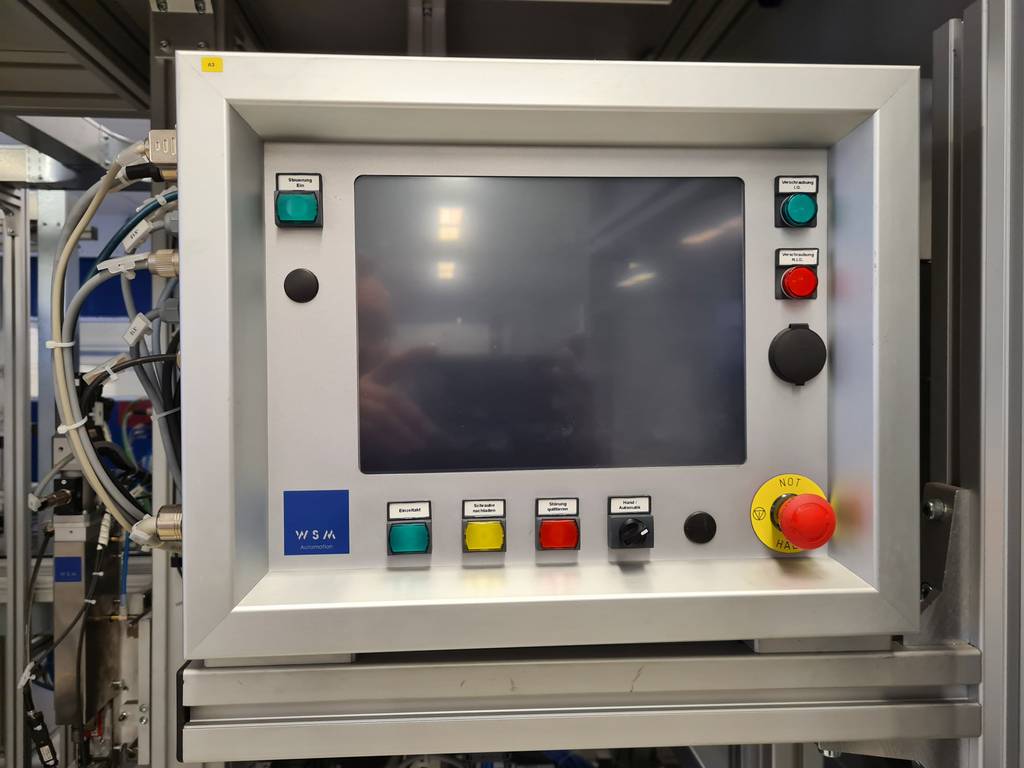
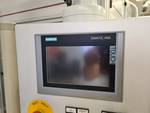
The doors are locked in automatic mode and can only be opened when the automatic stop or in manual mode after pressing the door button on the control panel. The automatic mode cannot be started with the door open.
Functional sequence
The station is loaded with the pre-assembled assembly group via the transfer belt.
The following are the work steps of the automatic station with the passage of a WT.
In normal operation, all 3 stations work in parallel.
- Position the WT with the pre-assembled assembly group in St.2.1
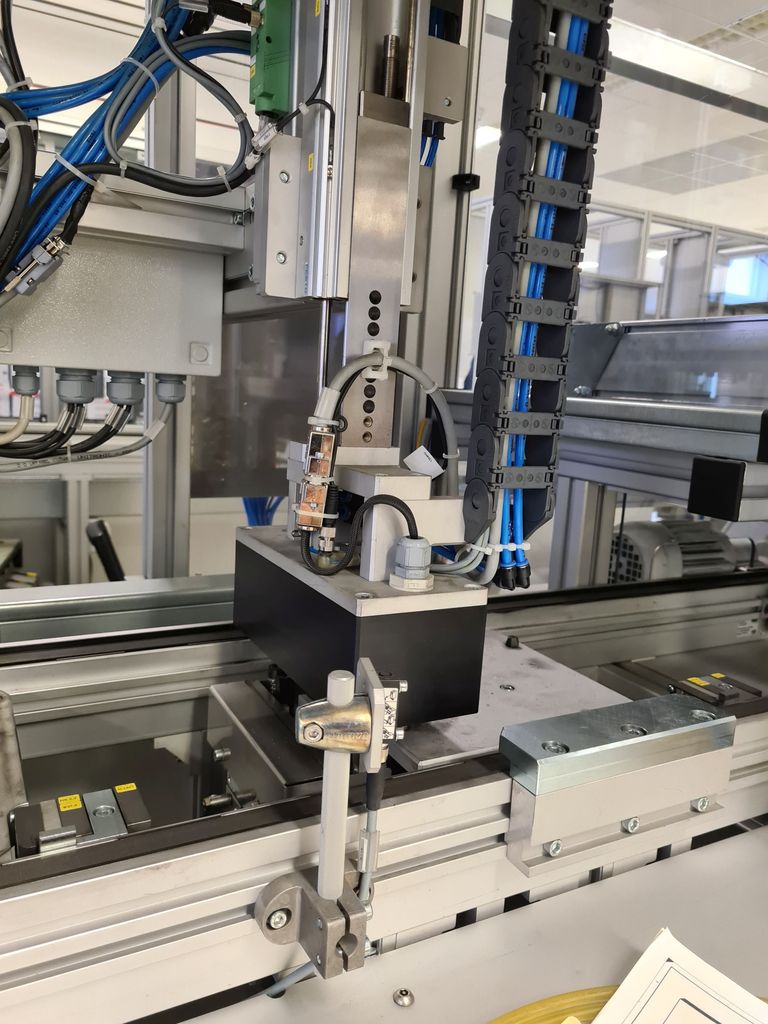
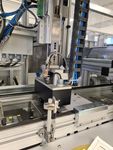
- Lower the carrier with the scanner and the vision sensor
- Scan the 3 codes (front panel, front LP, SD-LP), compare with the database
- Check the correct latching of the FFC in the connector
- Raise the carrier and lower the WT onto the belt
- Position the WT with the pre-assembled assembly group in St.2.2
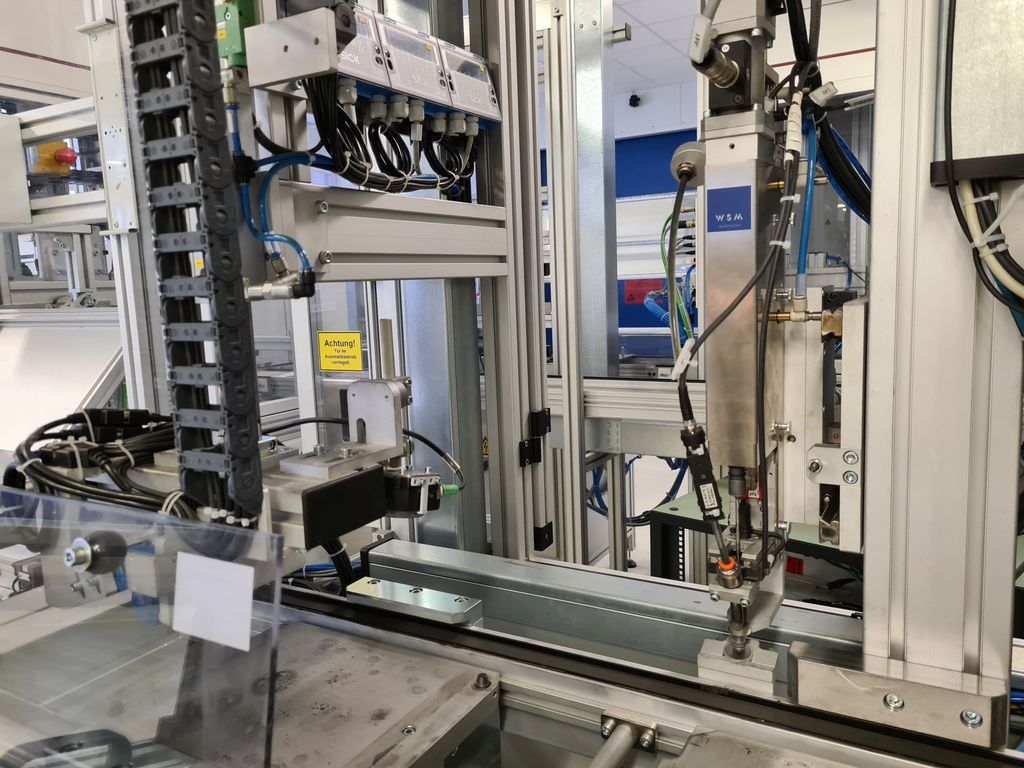
- Position the screwdriver and screw in the front LP
- Lower the WT onto the belt
- Position the WT with the pre-assembled assembly group in St.2.3
- Lower the light protection hood and contact, position the carrier with the test sensors from below
- Type-dependent testing of the lighting SD + CD slots and buttons
- Functional test CD eject button
- Lower the WT onto the belt > continue
If errors occur during the test, they are displayed on the display and can be rectified if possible.
For this purpose, the manual mode is switched and the doors are opened. After the repair and starting the automatic mode, the WT is tested again in the station.
If no repair is possible (e.g. screw error), the WT is marked as NIO in the control system and not processed further.
A manual NIO marking and ejection is also possible.
Find more new and used assembly stations in our shop!
International shipping costs on request!
Legal information - click for details